




 Customization
Removing Debris
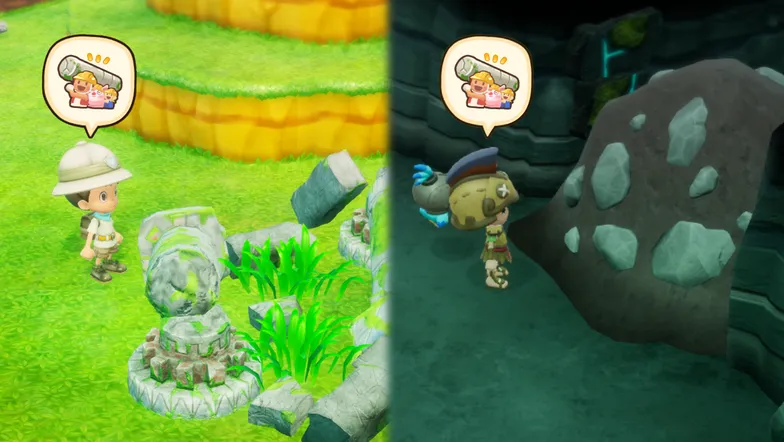
When enough Buddies are available, they can help you remove certain debris on the map.
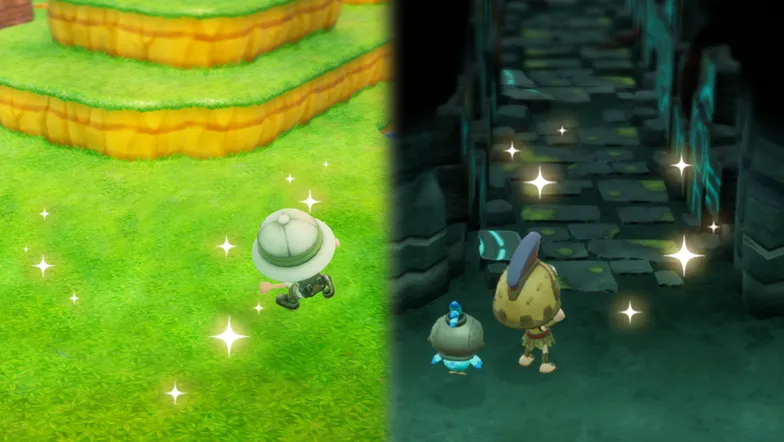
Remove obstructive debris to reveal new areas and places to live!
Your House
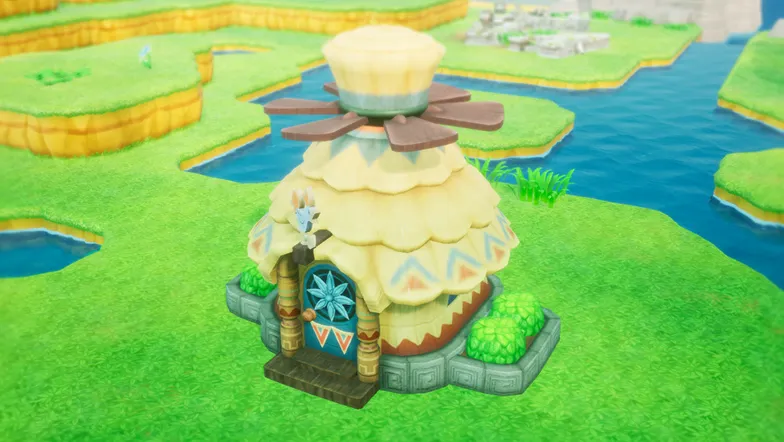
It's your house, so choose how you decorate it! Place furniture, change the decor, and build your very own dream house!
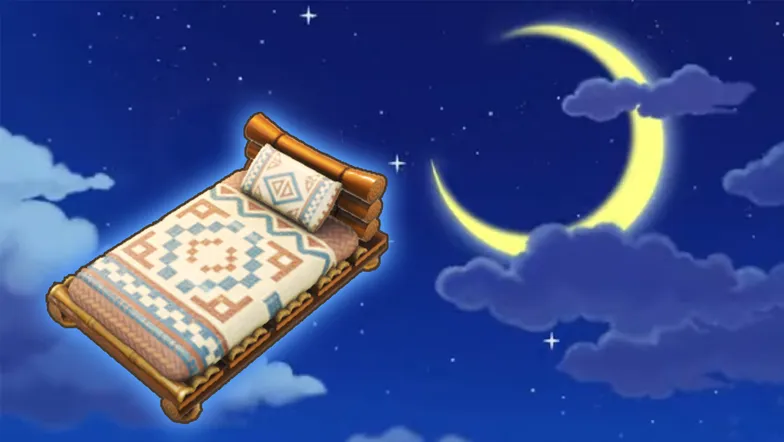
Sleeping in beds will change the time of day and restore your stamina. Get plenty of rest before your next big adventure!
Decorating Indoors
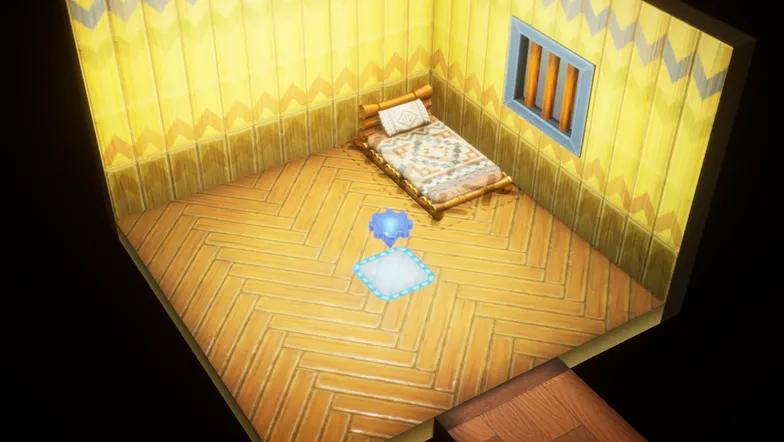
Press  while in your house to enter Decorate Mode.
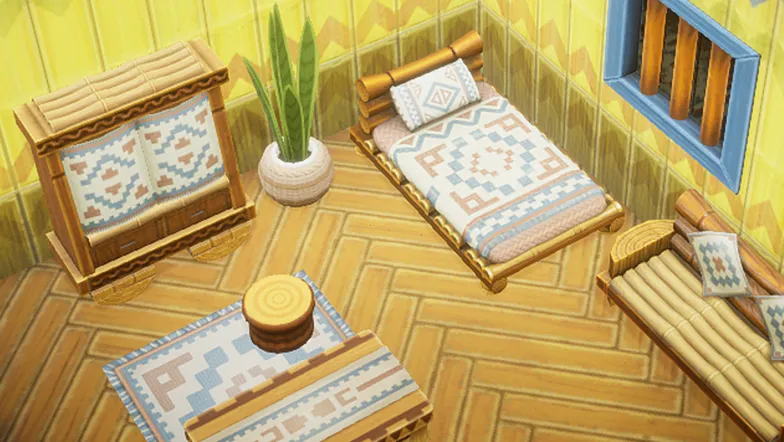
Move the camera with  to look around. Use to decorate the wall and floor just the way you want them!
Placing Objects on Your Island
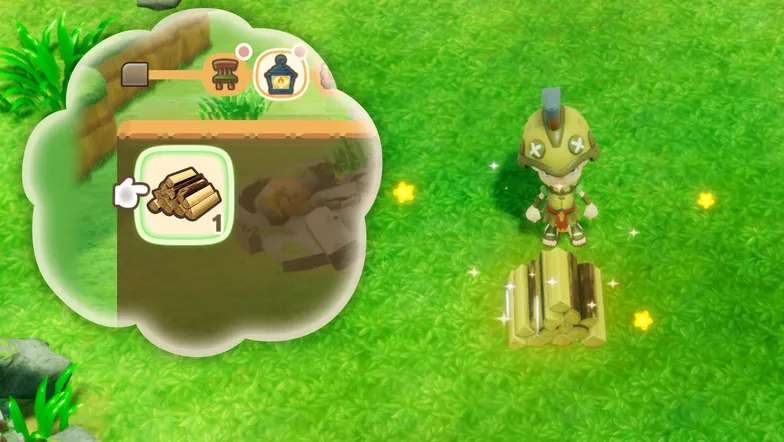
Press  while in Base Camp to open the object list. Select an object with
  and find a place you'd like to put it down, then press .
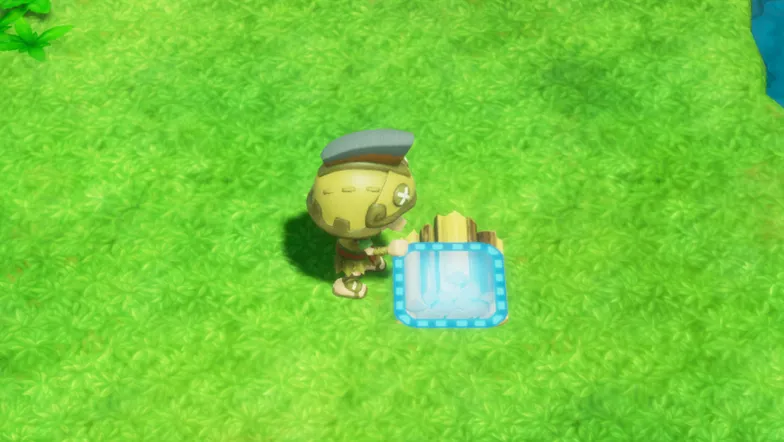
Hold  while facing an object to grab it. While holding on to the object, use
  to rotate or move it around.
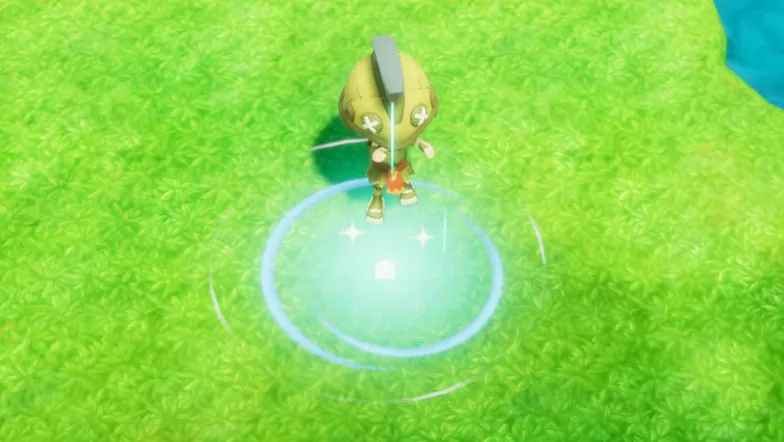
Objects placed at your base can be stored using  . Decorate your Island as you see fit!
Craft Mode
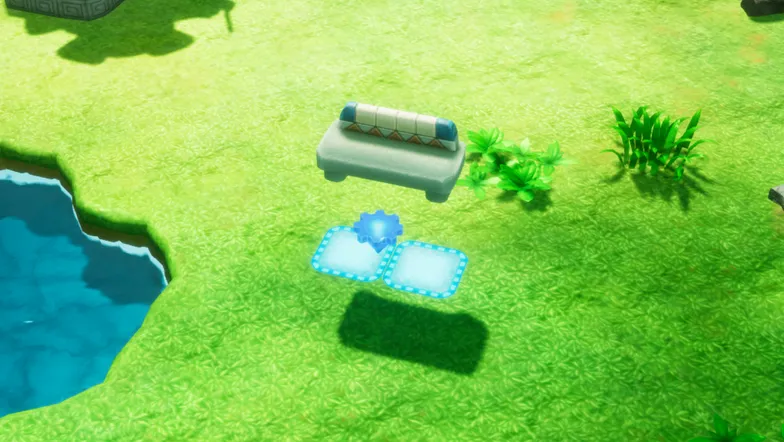
Press while in Base Camp to open Craft Mode. In this mode, you can freely place and move objects while having a bird's-eye view of the whole island!
Islander Management
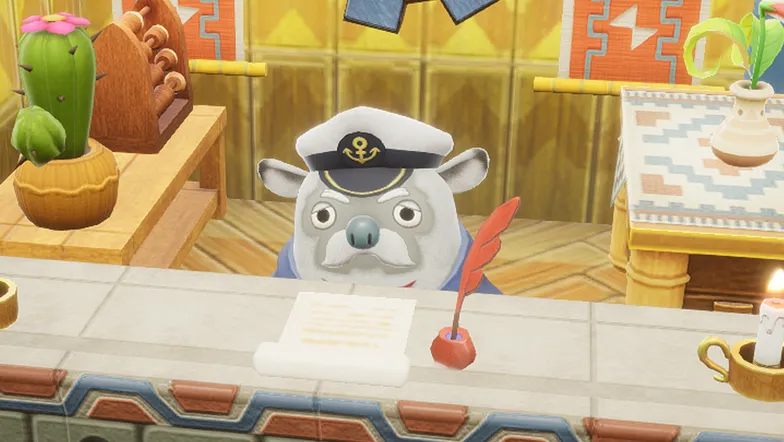
Boyle is in charge of everything to do with your island Buddies. He can help you manage islanders as well as organize your party.
Managing Residences
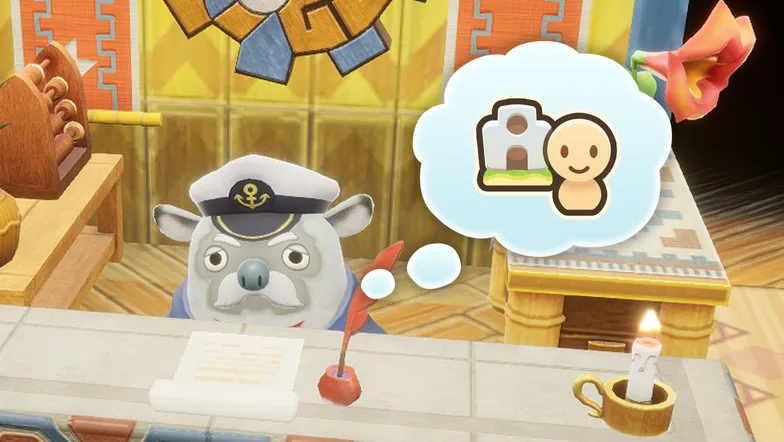
From "Islander Management" you can pick homes for islanders or check up on existing residences. Remember to fill the houses you build!
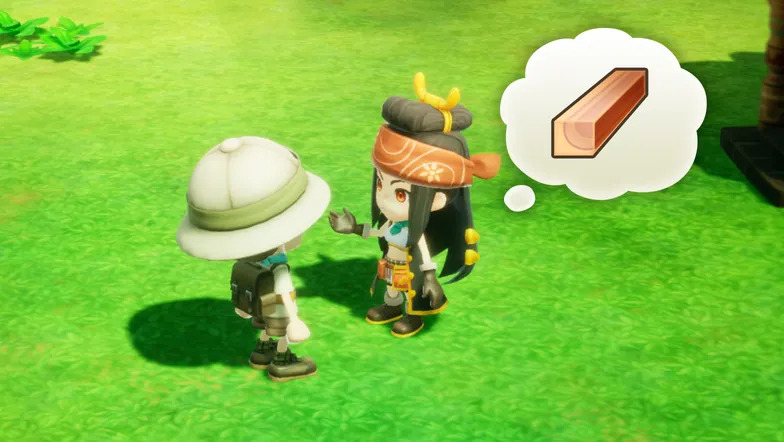
Buddies already registered to an Islander house will sometimes bring up personal requests. Fulfill them to increase your affinity rating!
Managing Island Buildings
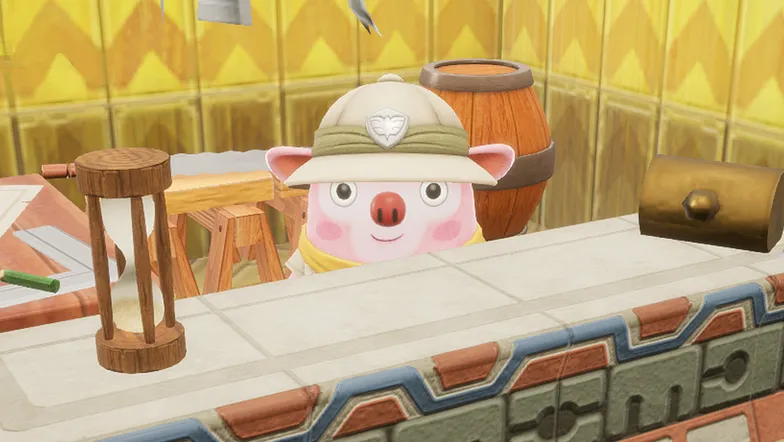
Cooke is in charge of building, relocating, as well as removing houses for the islanders. These include your house and the Guild Office.
Building Islander Homes
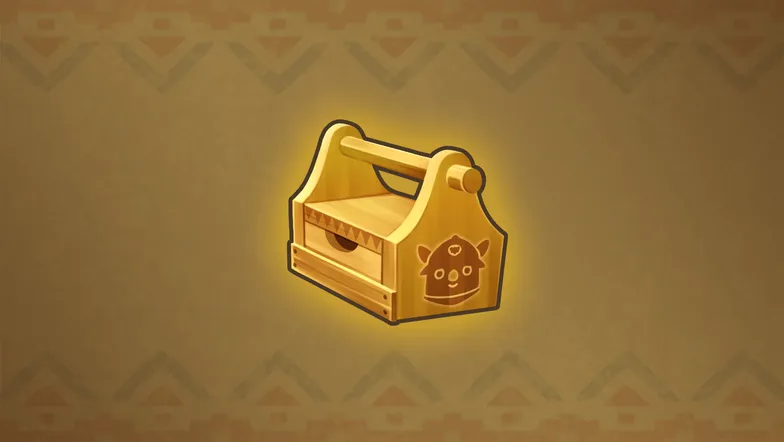
First, choose a design for the house you want to build. After choosing its appearance and color, you'll receive a Building Kit for it.
Using Building Kits
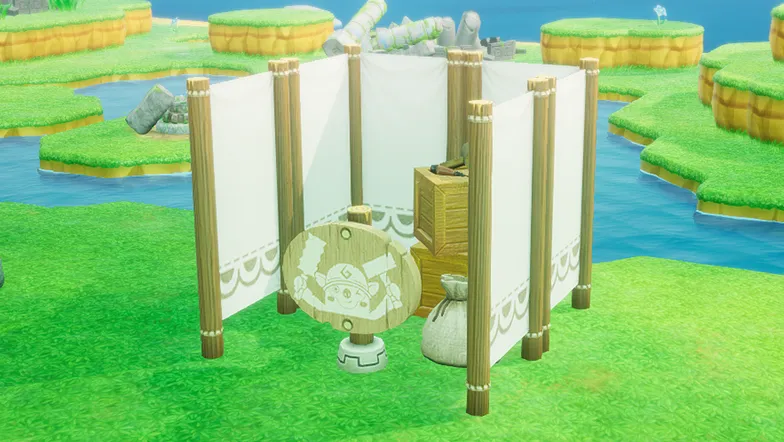
Once you've received a Building Kit, you can place it anywhere in the Base Camp to start construction.
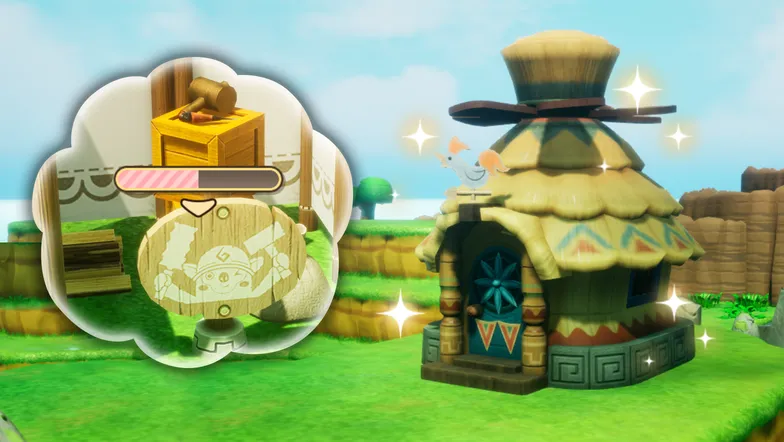
Building houses and other structures takes a bit of time, indicated by a bar displayed in front of the construction tent. Once it fills up, examine the tent to complete construction!
Remodeling Houses
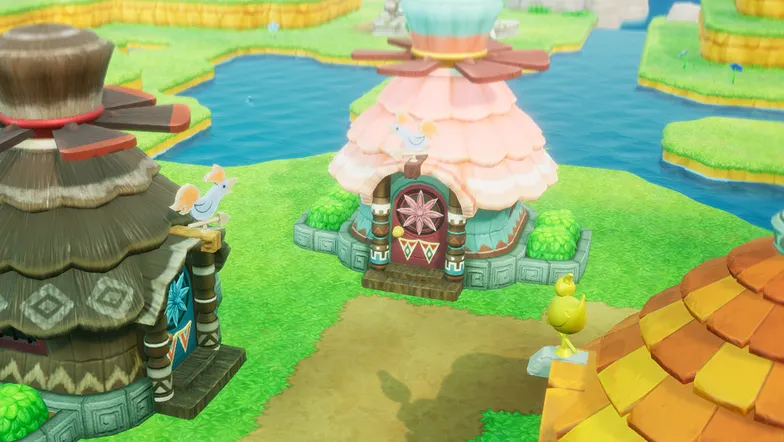
You can remodel islander houses, including your own, to a different design. New designs are added as rewards for completing requests at each island's bulletin board.
Infrastructure
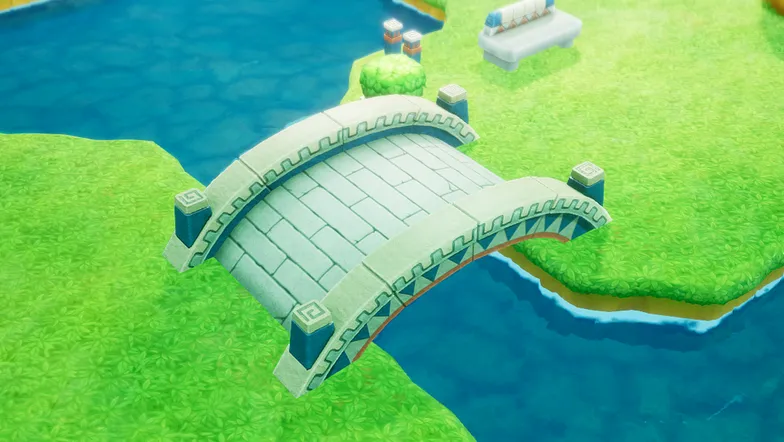
From "Infrastructure" you can build bridges and other structures in the same way you build houses. Use bridges to expand access to areas of your Base Camp!
Hagram Build
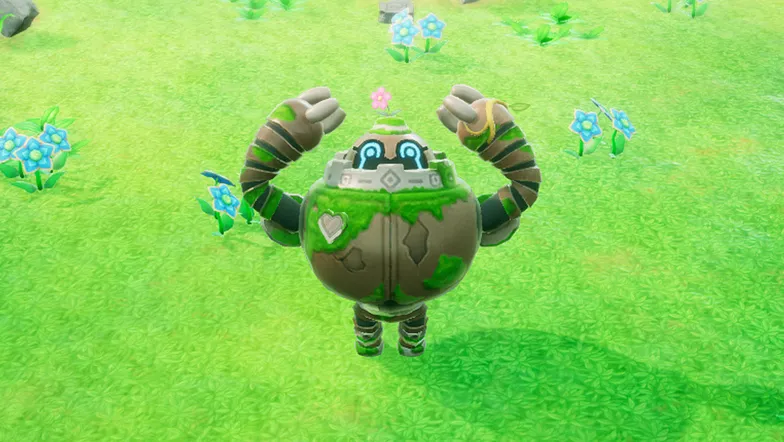
Hagram Build has been unlocked! Press and hold to call Hagram, and use his colossal strength to modify the terrain at Base Camp.
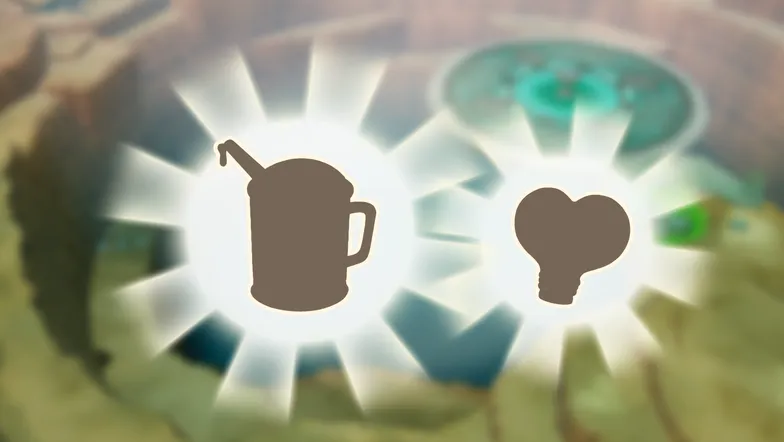
Hagram's programming still hides functionality awaiting to be unlocked. Explore the Depths and stay on the lookout for usable parts!
Hagram Build Controls
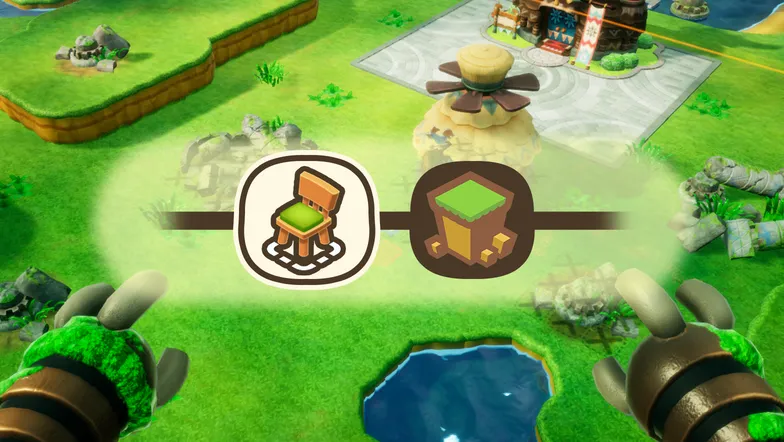
Use to move the cursor and remake the island! Press  or
or  to toggle between Craft and Build Modes. In Build Mode, you can edit the terrain.
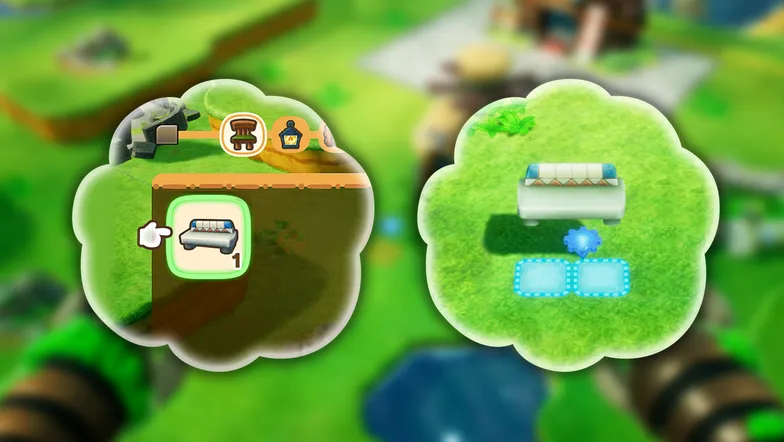
Hagram will lend a hand at placing objects! Merely open the object list with and select one to your liking. Selecting an object already in place allows you to move it around.
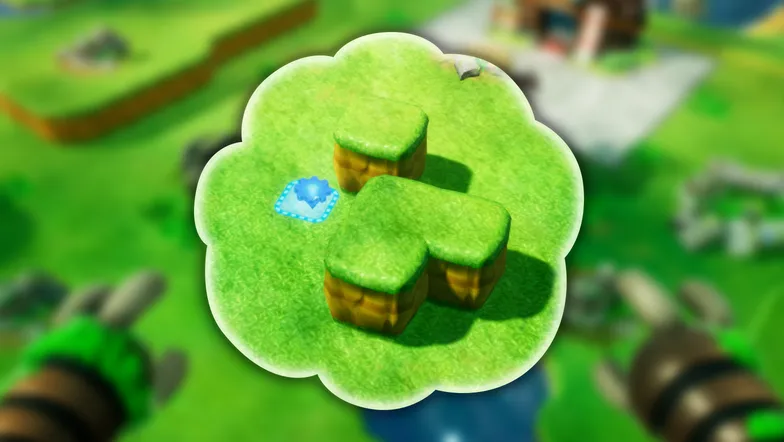
In Build Mode, use to raise elevation and to decrease elevation.
Collecting Celestia's Gifts
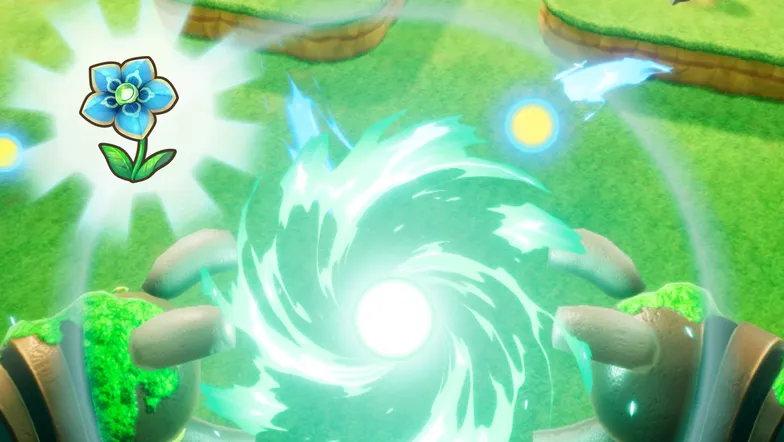
In Build Mode, press and Hagram will collect every single Celestia's Gift blooming on the island in one go!
Paving Roads
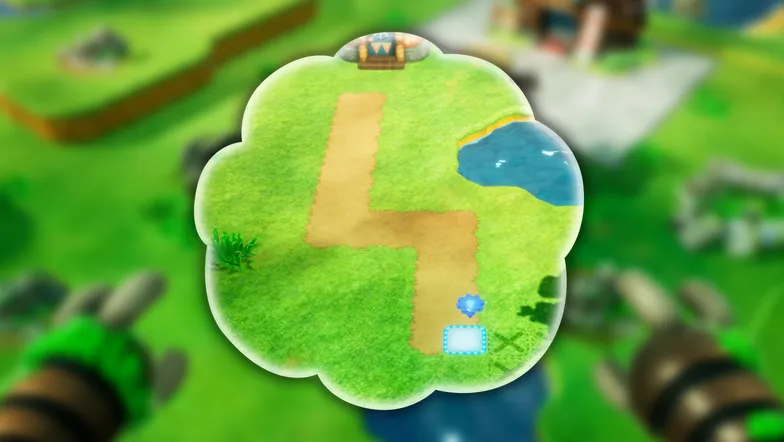
You can now pave roads with Hagram Build! Select the terrain you want with or while in Build Mode.
Creating Water Areas
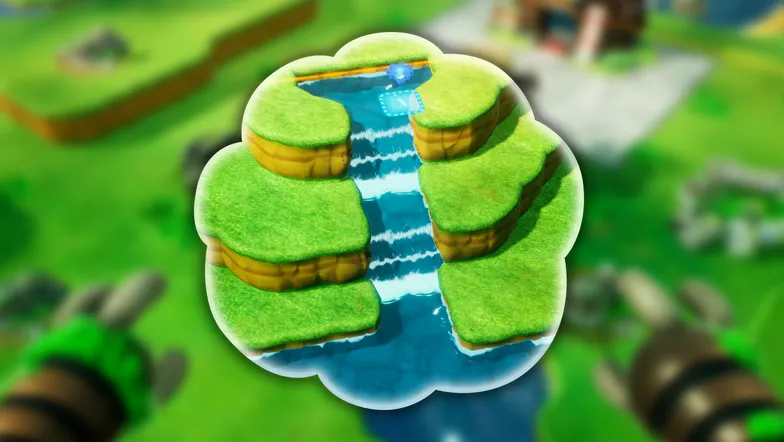
You can now create water areas with Hagram Build! Select the terrain you want with or while in Build Mode.
Building Farms
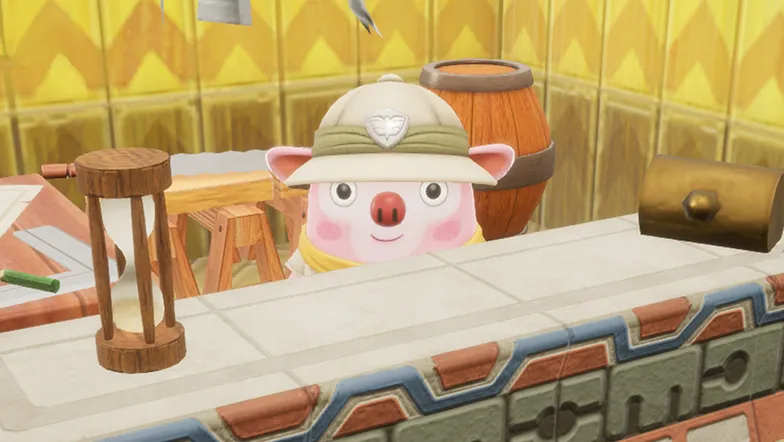
You can now make farms at the Base Camp! Talk to Cooke in the Guild Office and select "Farm."
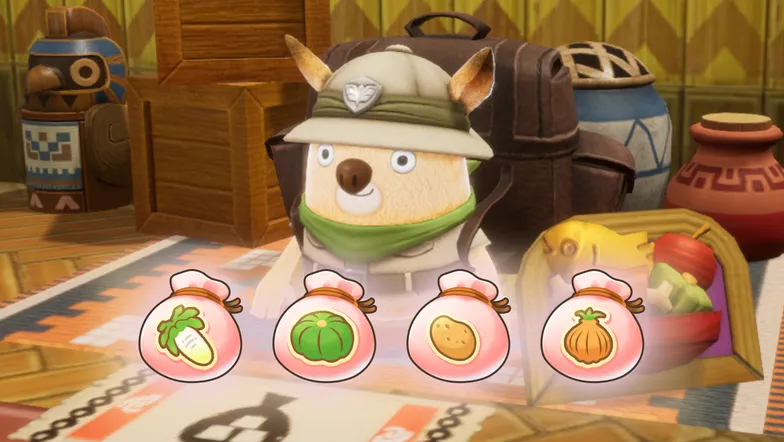
In order to farm crops at your Base Camp, you'll need to plant seeds. Ask Marco at the Guild Office to sell you some!
Building Art Galleries
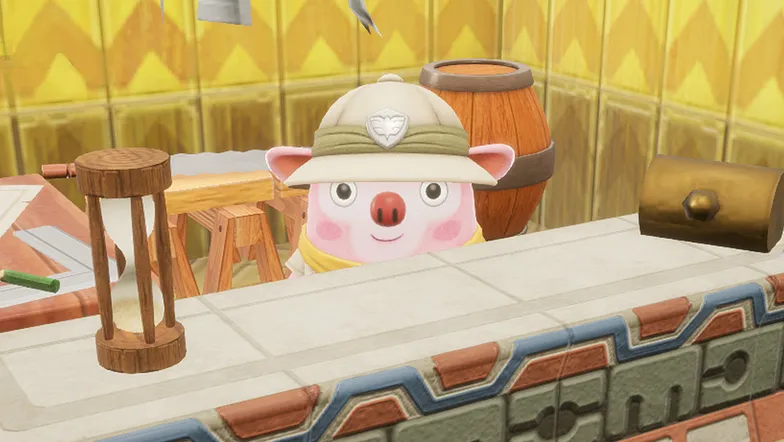
You can now build a Gallery at Base Camp! Talk to Cooke in the Guild Office and select "Gallery."
Displaying Art at the Gallery
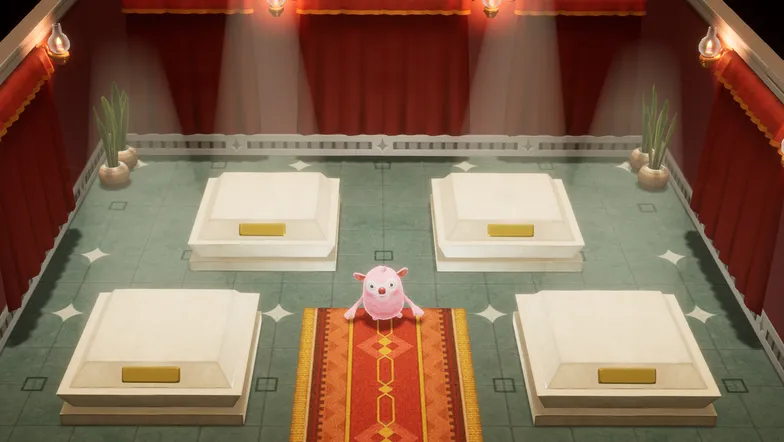
At the Gallery, press in front of an empty display and select the art you want to exhibit. Fill up the space with all your masterpieces!
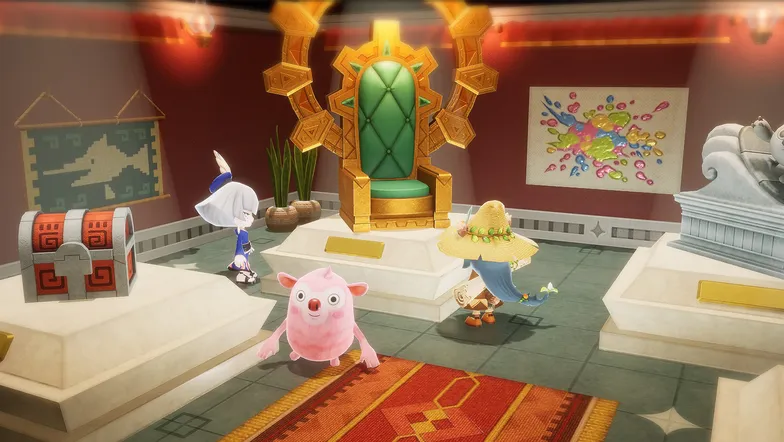
The more art on display, the more visitors your Gallery will receive. Some of your Buddies might even ask to buy your art!

