
 Other
Other
Working With Trip
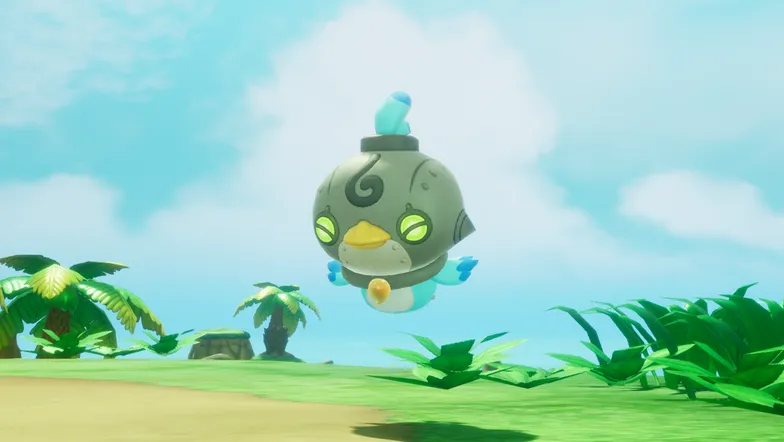
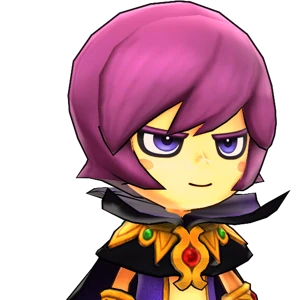
During single play, 2P can press  to play as Trip! Go on an adventure with a friend of your choice.
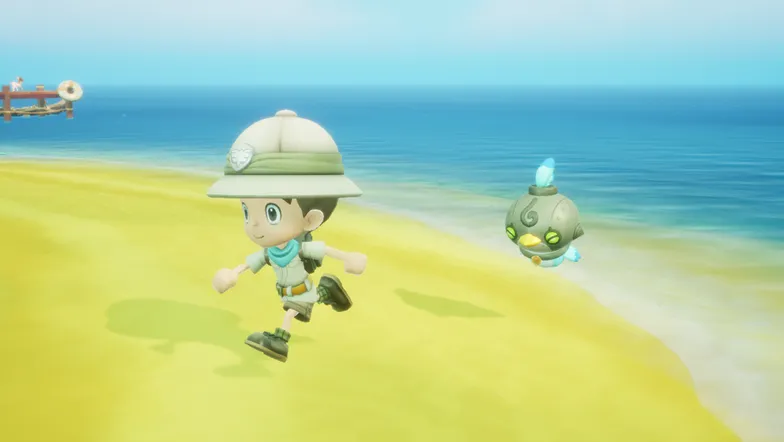
Press  to inspect,
  to jump,
  to call out,
  to warp to player one, and to turn controls on/off.
Trip Controls: Combat
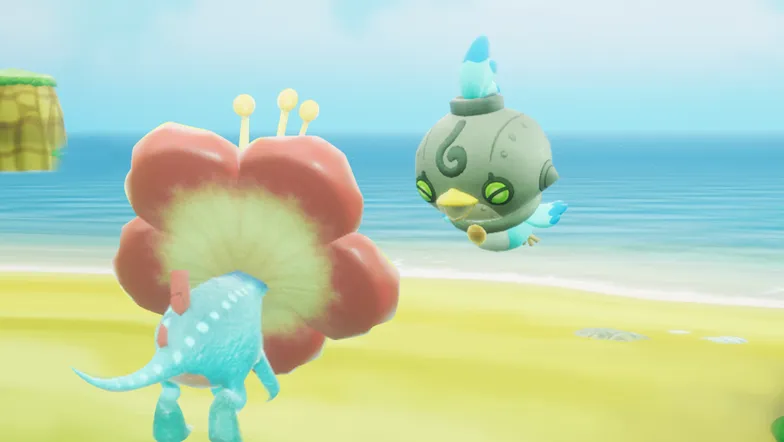
Press  to attack,
  for a strong attack, or
  to pin enemies. You can also press
  to restore player one's HP.
Trip Controls: Gathering
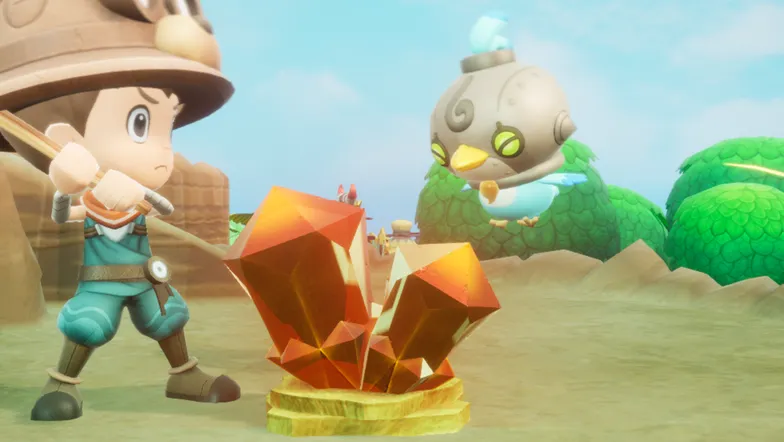
Press to strike, for a strong strike, and to restore player one's SP.
Trip Controls: Fishing
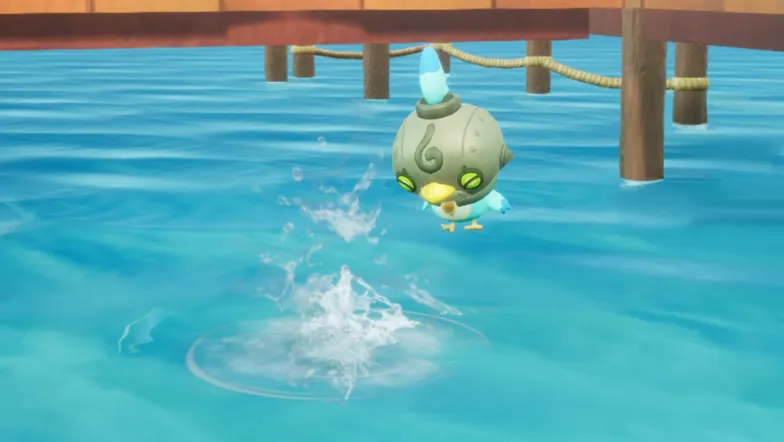
Press to strike, for a strong strike, and to restore player one's line gauge.
Multiplayer Mode
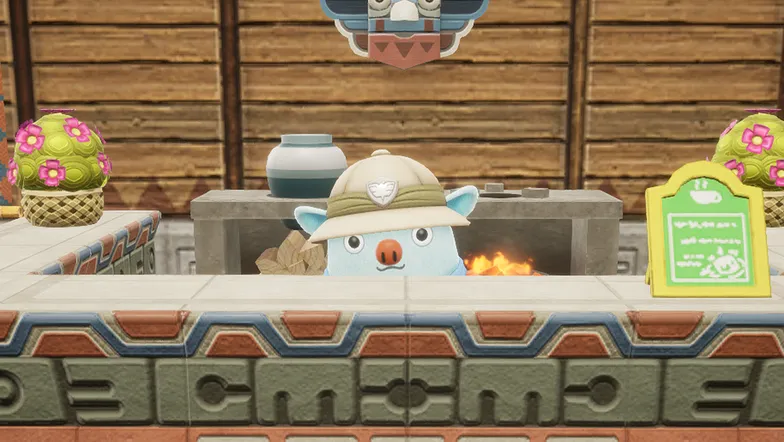
Colm is in charge of travel between islands. Visit him to start a multiplayer adventure!
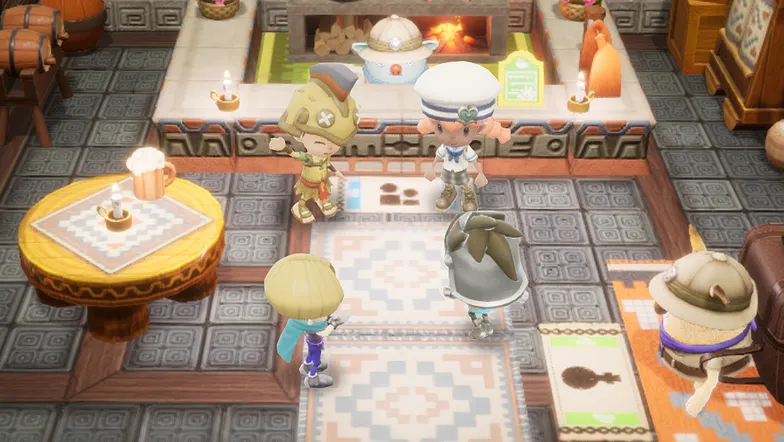
You can recruit members for a multiplayer session. Simply select the objective of the outing and start recruiting!
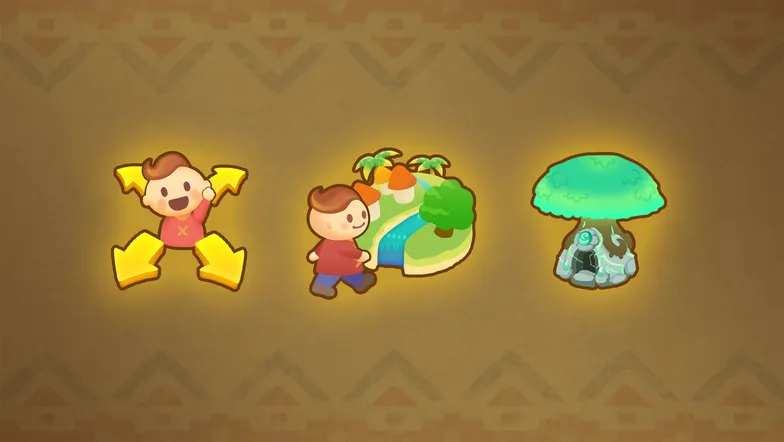
You can search for multiplayer outings to join. Try finding someone whose objectives match your own and join their outing!
Greetings
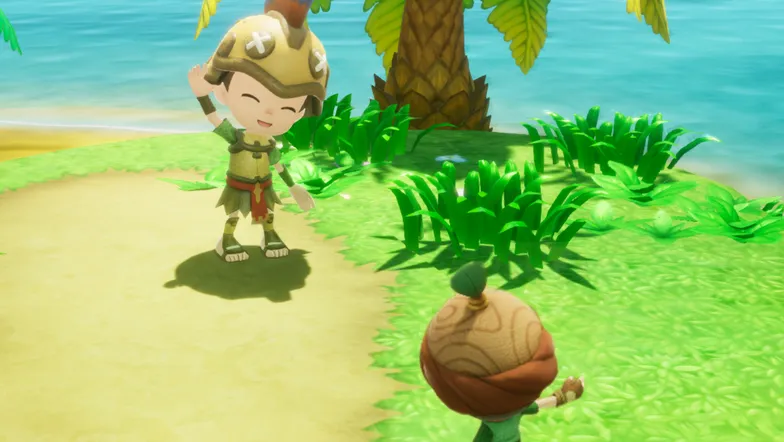
Tap during your adventure to choose a stamp, emote or quick text to greet your friends with!
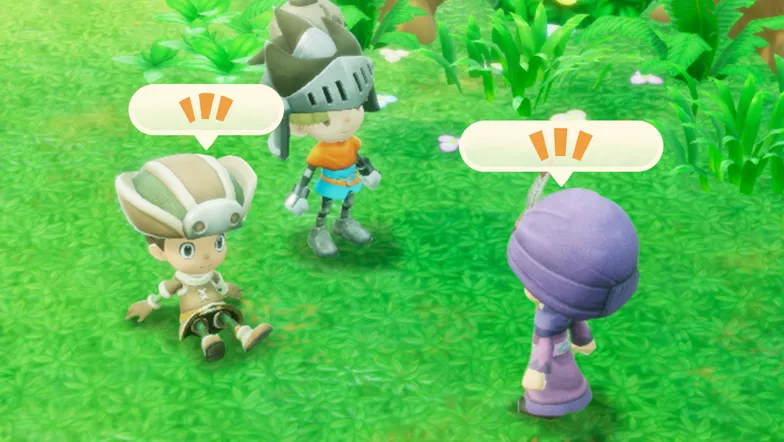
Press  to open text-based chat and talk freely to your friends!
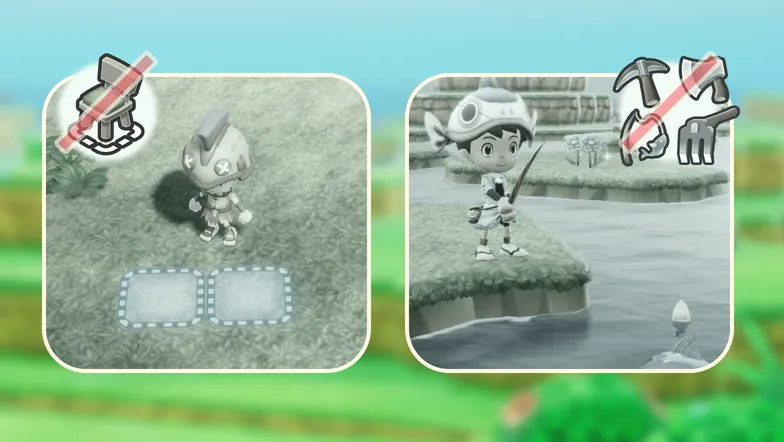
Crafting and gathering at your Base Camp is unavailable during multiplayer.
Ending a Multiplayer Session
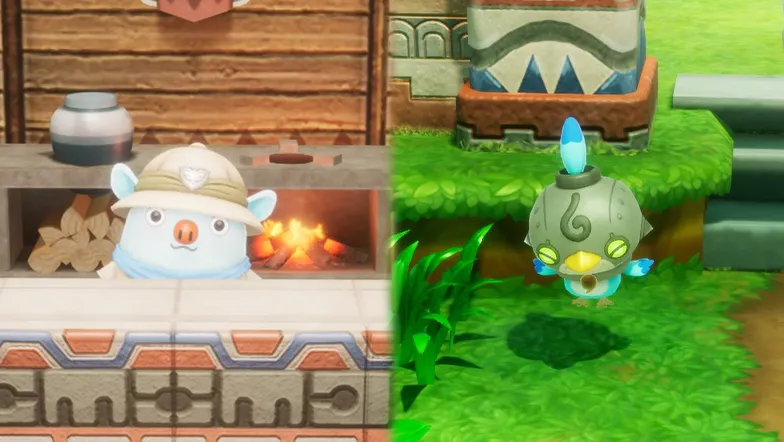
If you want to end the current multiplayer session, simply speak to Colm at the Guild Office or to Trip, who's on standby in the field.
Stopping/Resuming Recruiting
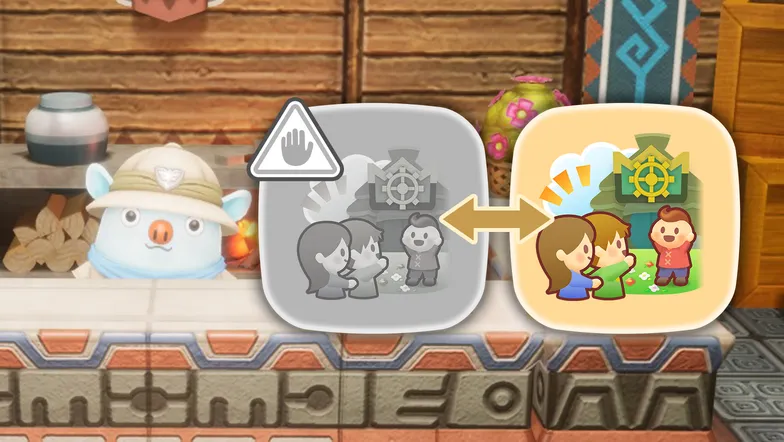
Speak to Colm and choose "Stop Recruiting" if you want to pause member recruitment. Choose "Resume Recruiting" when you want to start recruiting again.
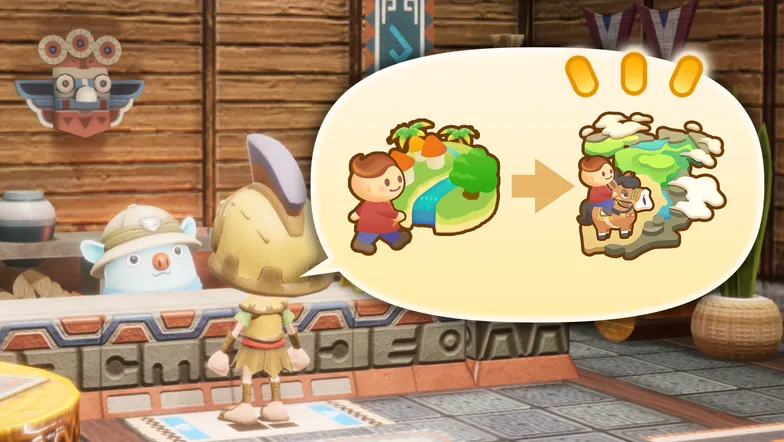
You can also choose "Review Details" when speaking to Colm in order to change recruitment settings or the outing itself.
Gifting in Multiplayer
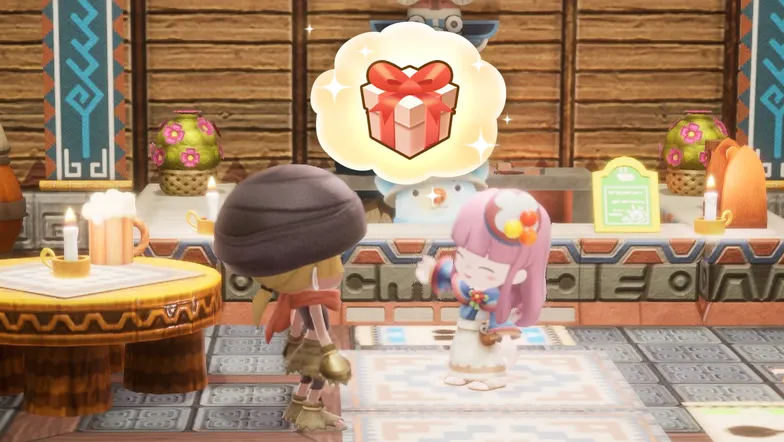
Choose "Give Gift" when speaking to Colm during a multiplayer session to send one of your items as a Gift to another player!
Celestia's Gifts in Multiplayer
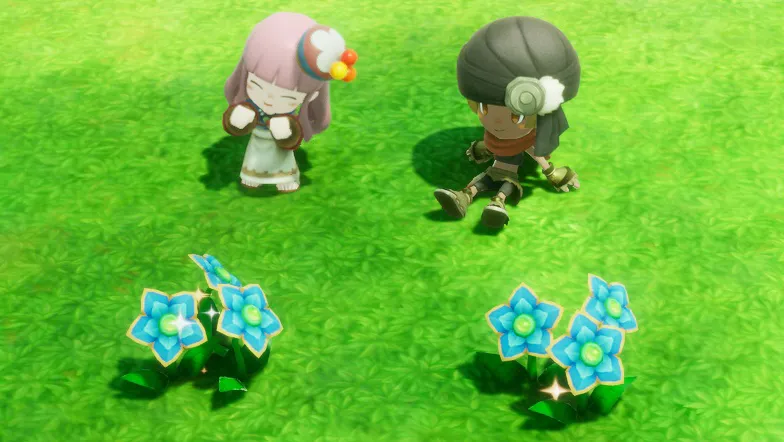
You can collect Celestia's Gifts blooming on islands you visit during an outing! A limited number can be collected each day, based on real-world time. If you hit the limit, try again tomorrow!
Kick Function
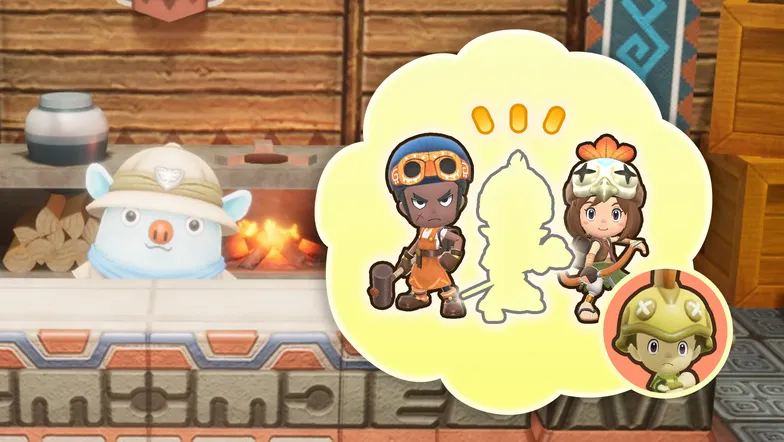
If you are a host and come across disruptive or abusive behavior during multiplayer, speak to Colm and choose "Send Home" to kick a player out of the session.
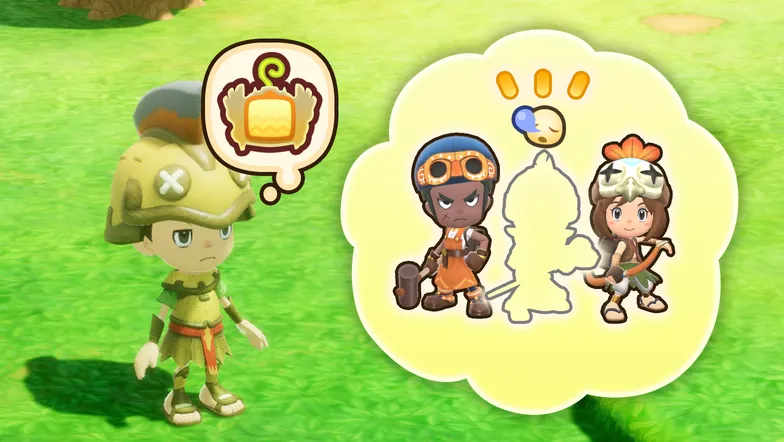
If a player is inactive for a period of time or not participating in combat or gathering, you can send them home using on your Weird Pad.
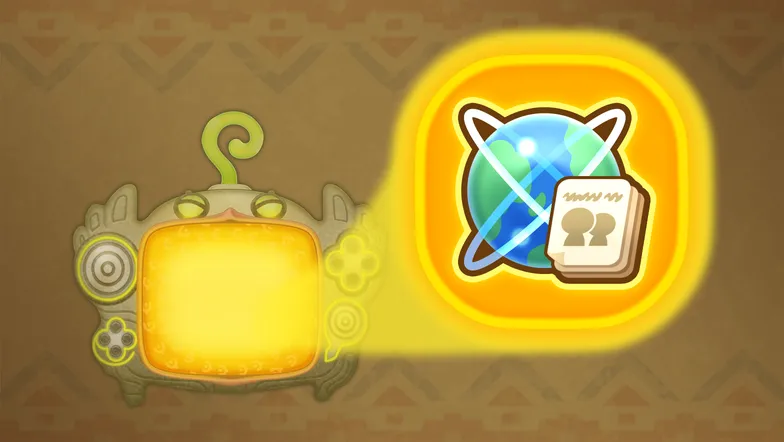
By accessing "Play History" in your Weird Pad, you can specify a player to "Add to Block List" or "Report." Blocked players won't be able to join the same multiplayer session as you.
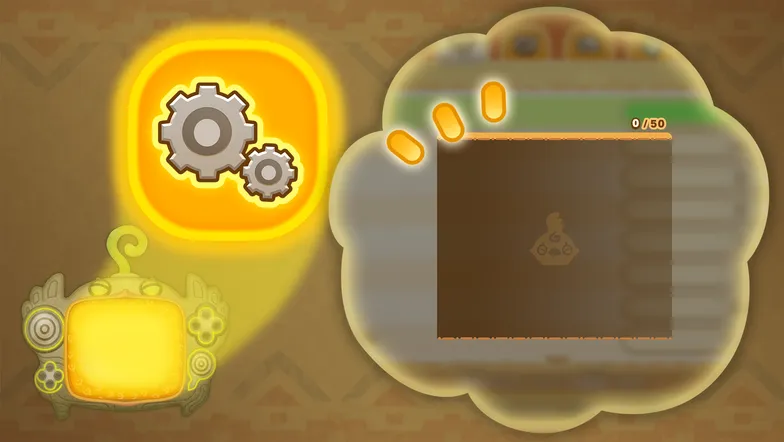
Access the Options Menu in your Weird Pad and press to open the Block List. There you can review blocked players and remove them from the list as needed.
Exit the Strange Forest
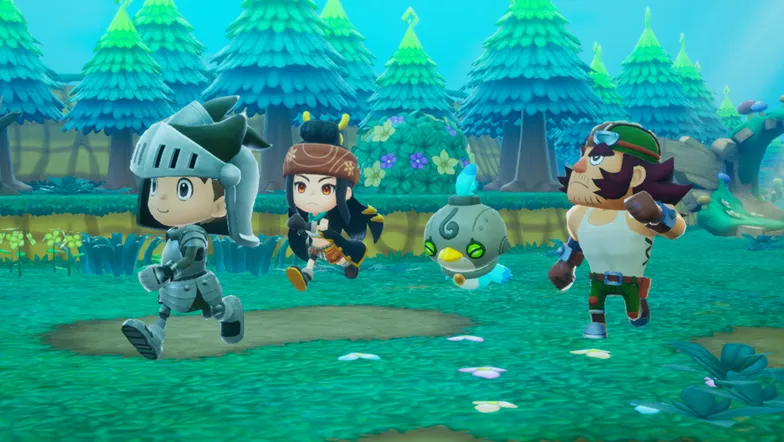
If you take the wrong path, you'll be sent back to the forest entrance. Follow Johannes's singing and the irresistible rhythm to find a way through!
Find Kikyo
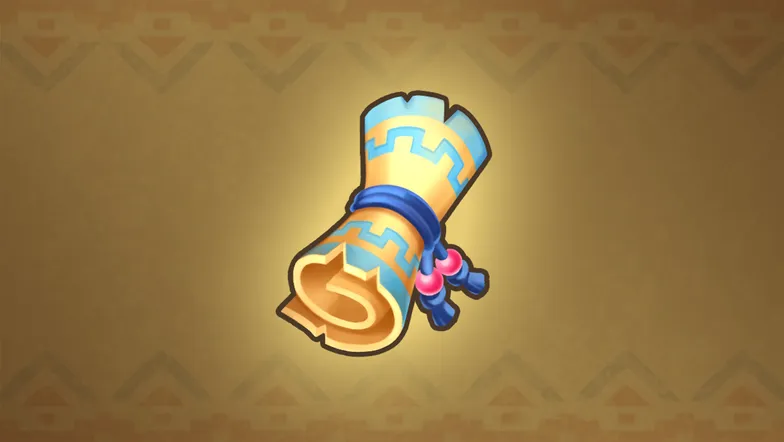
You've obtained a treasure map left by Kikyo! Press on the map screen to check it out. Use the map to investigate the X spots.
Collect materials for the Interfere Gear
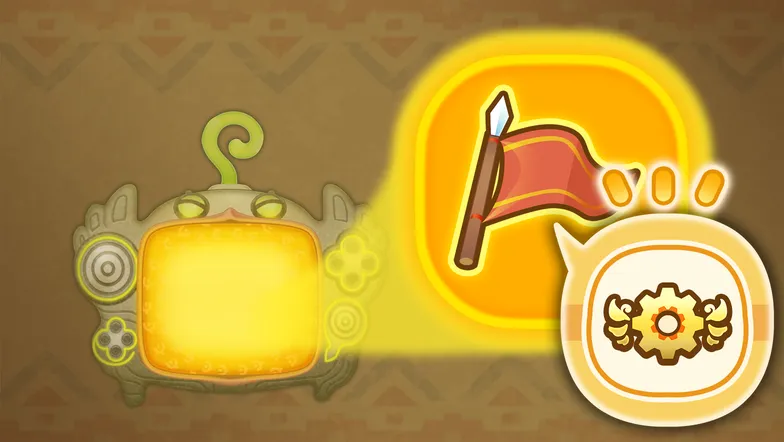
Rem told you where to find the materials! Certain Lives are necessary to obtain some of them. Check the "Story Recap" from the quest menu.
You Completed the Story!
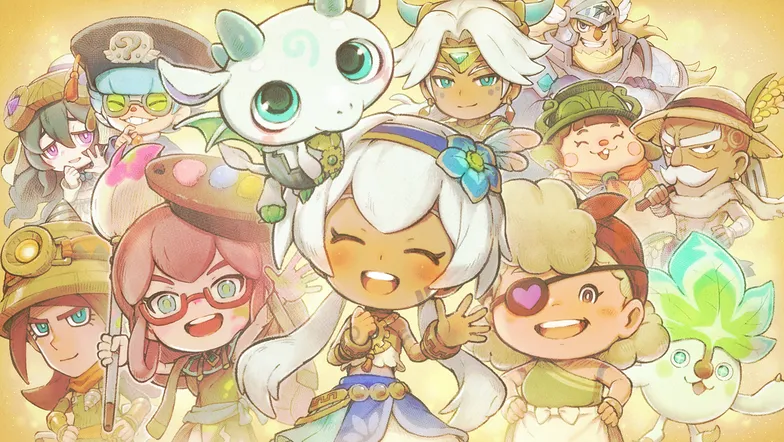
Congratulations, you've completed the main story! Saving the world may have had a significant effect... Perhaps you should take a look around?
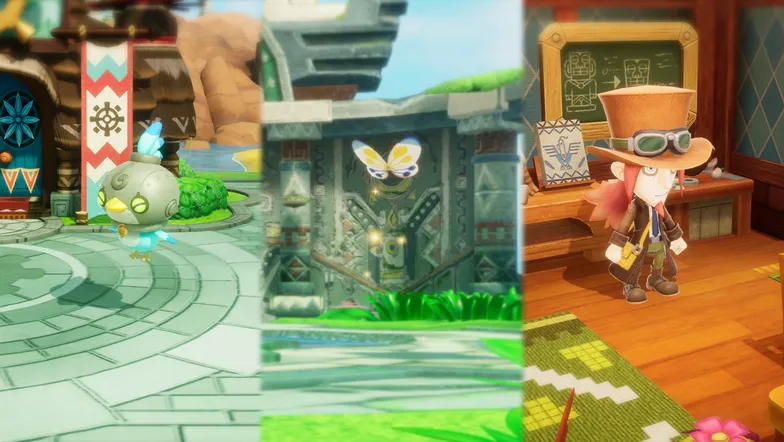
・Meet Trip in front of the Guild to see what he has found!
・Check the Mysterious Butterfly at the Goddess Statue.
・Speak to Edward for a rematch against the Dark Dragon!
Hunt for Legendary Power
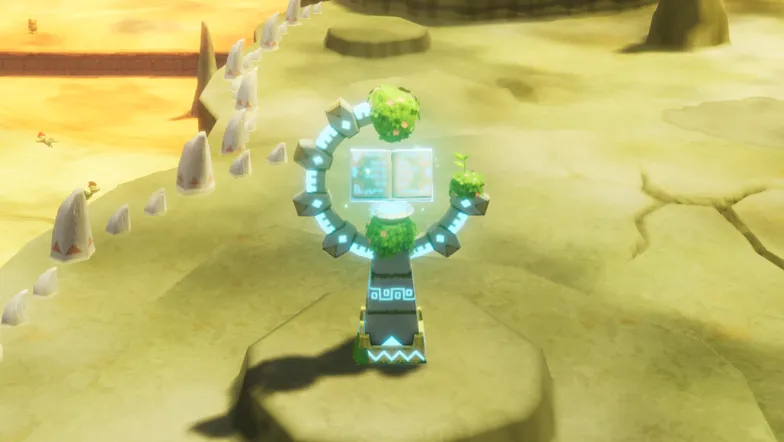
By exploring Ginormosia, you can find recipes for legendary weapons and Life tools, said to hold the power to manipulate time. Clear Legendary Challenges and gather the materials necessary to craft them!
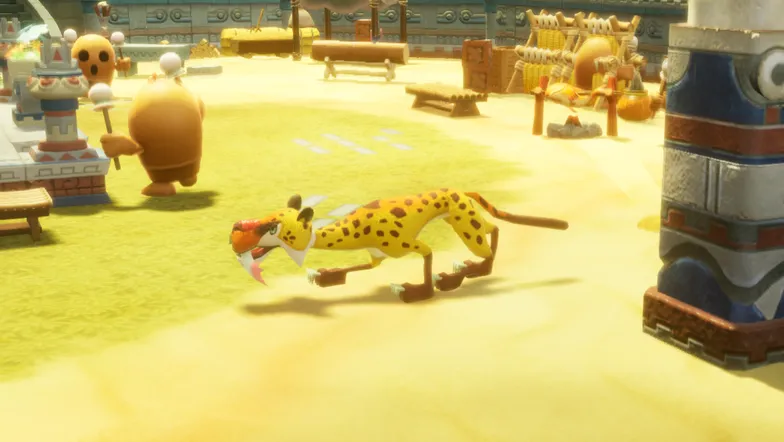
It is rumored that even more powerful pieces of equipment, referred to as "true legends," can be crafted somehow... If you get your hands on an "Item of Time," try heading to a monster village and showing it to the Plundering Panther!
